commercetools
The following steps outline how to get the API credentials needed to integrate Workforce with commercetools to be able to browse and select products.
You'll need the same credentials to configure the commercetools action extension for use in Workforce Flows, and for setting up a commerce repository for Workforce content generation templates.
-
Installing action extension explains how to install extensions from the Workforce integrations marketplace.
-
Setting up a commerce repository provides more information about adding commerce repositories.
What you'll needLink copied!
You will need the following information from your commercetools account to set up the integration in Workforce.
- Project key
- API base URL
- Auth base URL
- Client ID
- Client Secret
You can create new API Client or use the information from an API Client that you've already setup.
Creating a new API ClientLink copied!
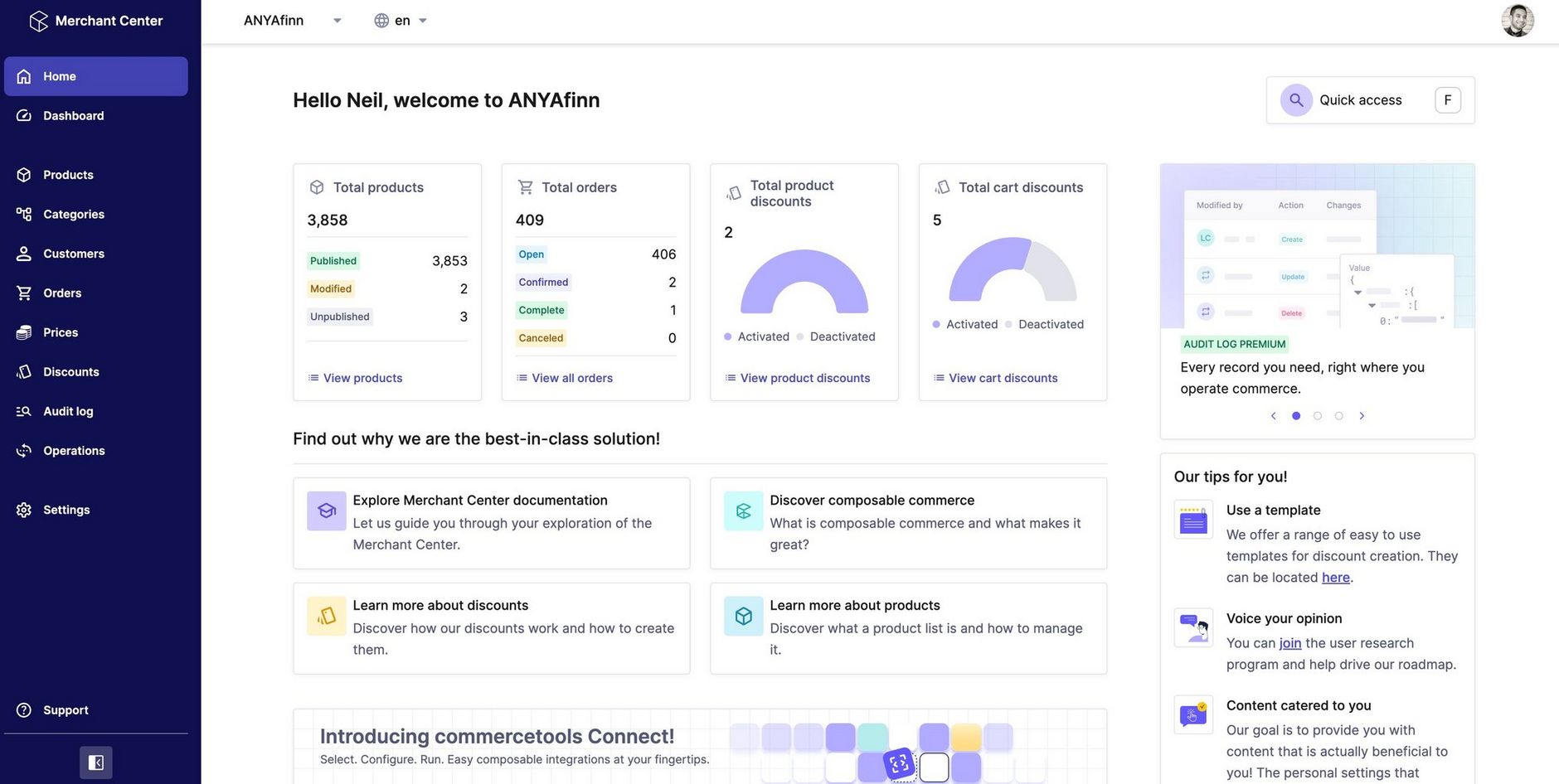
- Log in to the commercetools Merchant Center.
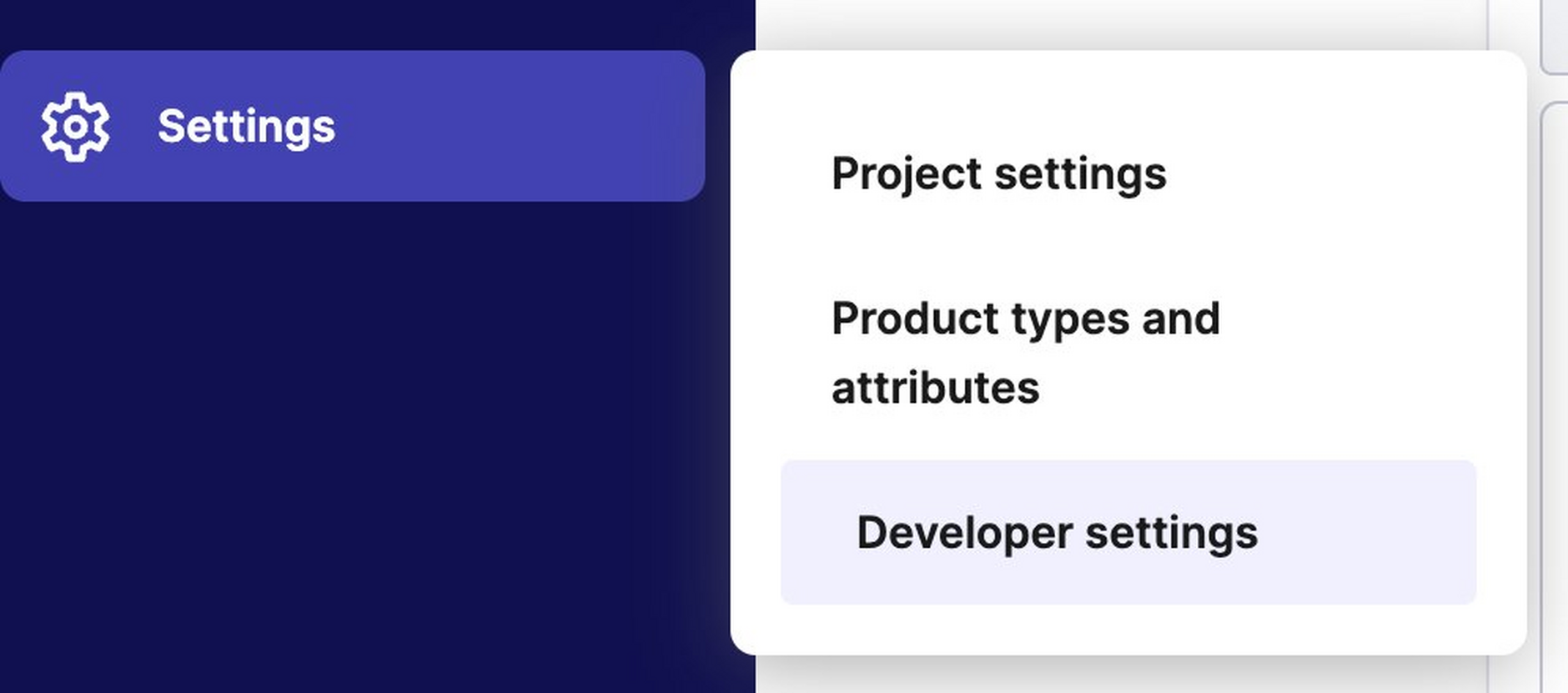
- From the Settings menu choose Developer settings and "Create new API Client".
- Create a new API Client with the scope: Products (published).
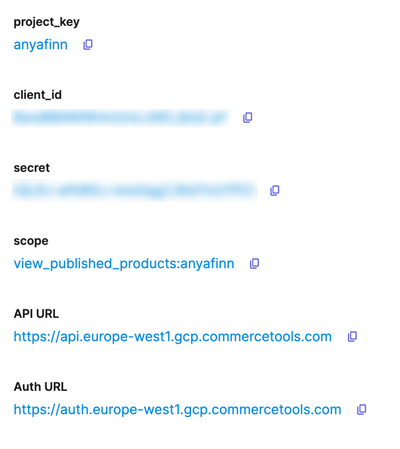
You now have the credentials you'll need to set up the integration with Workforce. Some example credentials are shown below.
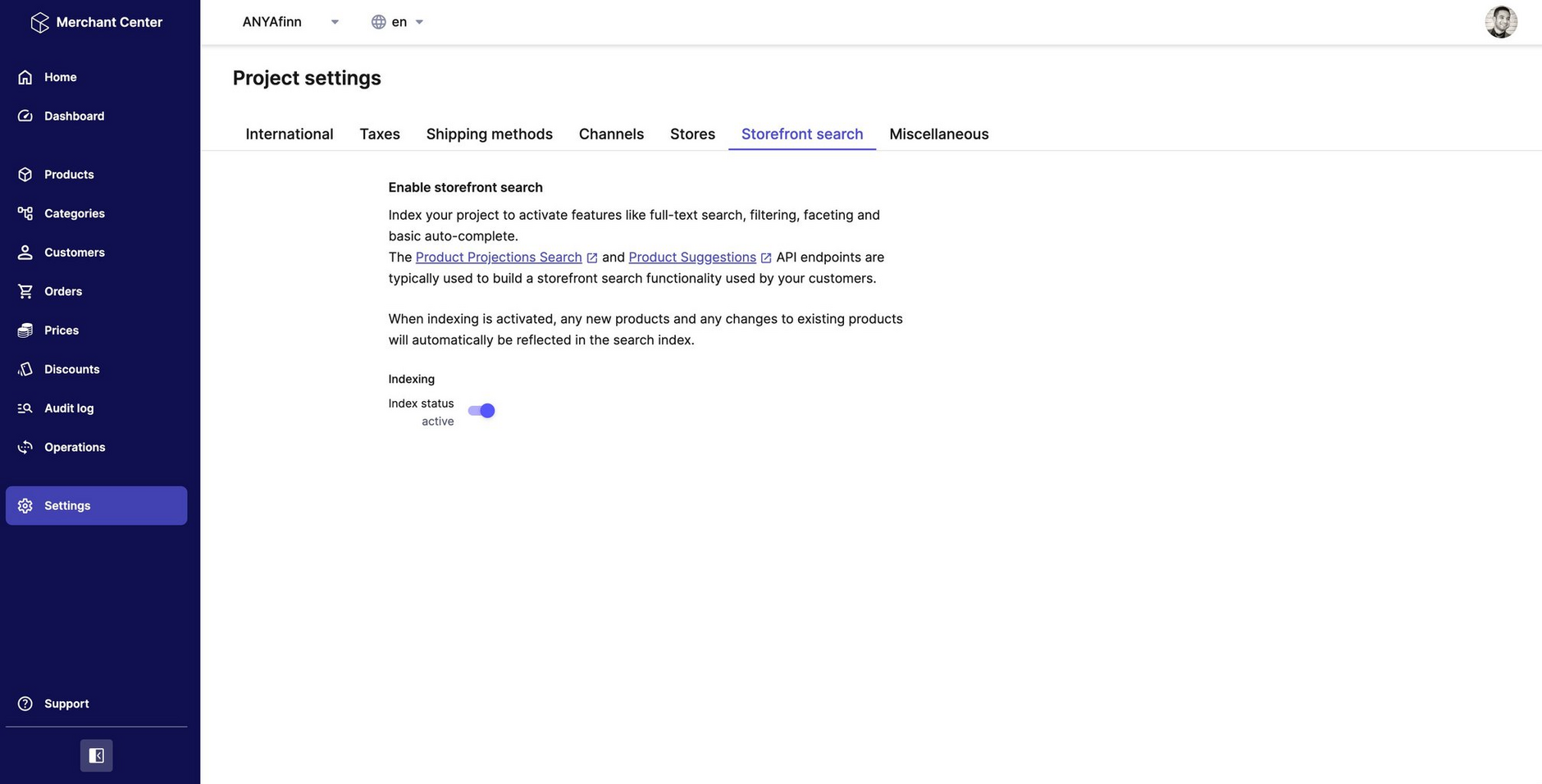
Enabling Storefront searchLink copied!
To allow you to search for products in Workforce, you need to enable Storefront search in commercetools.
- Go to Settings > StoreFront search and ensure that the indexing status is active.